
SAVE YOUR IMAGE
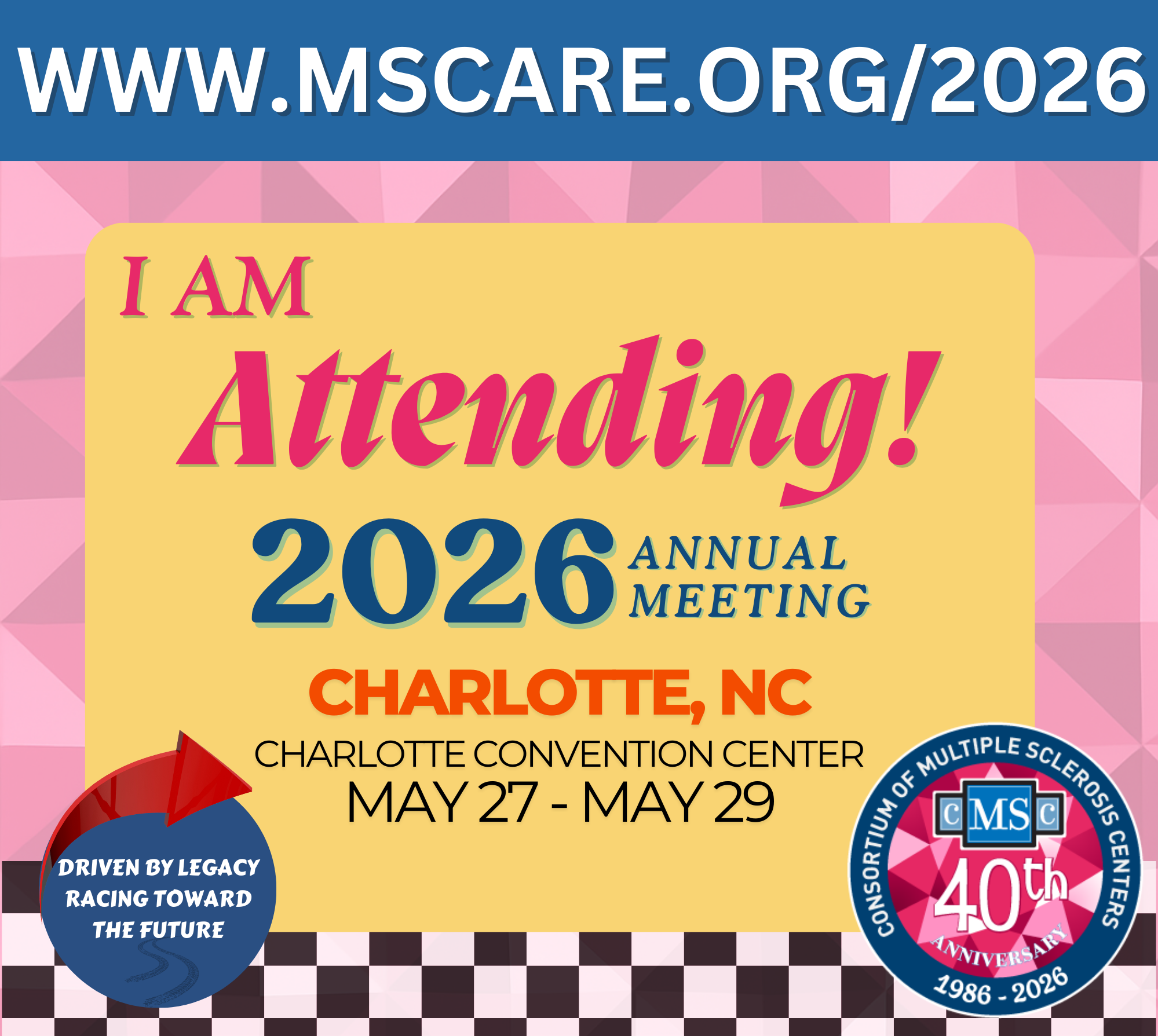
- PC: Right-click on the image below and click “Save image as…” to download the graphic.
- Mobile: Tap and hold the image until a menu appears. In the menu, select “Add to Photos“, “Save Image“, or “Download Image” to download the graphic.
Use this image on any social media platform or in your email signature.
LIFT AND LAUNCH YOUR MESSAGE!
Copy and paste a sample post below or get creative and write your own message about the 2026 CMSC Annual Meeting! Don’t forget to use the official hashtag (#CMSC26) so we can all easily follow the buzz and see what’s happening at the event!
- I am attending the CMSC Annual Meeting this year May 27 – May 29 in Charlotte, NC! Can’t wait to learn, connect, and grow with the brightest minds in multiple sclerosis research and care! Who else is going? Let’s connect! www.mscare.org/2026 #CMSC26
- Looking forward to networking with some amazing professionals in the MS community at #CMSC26 Annual Meeting on May 27 – May 29 in Charlotte, NC. Connecting, sharing knowledge, & collaborating for a brighter future for those living with MS. Let’s continue making progress together! www.mscare.org/2026
- Counting down until the CMSC Annual Meeting this year May 27 – May 29 in Charlotte, NC! It’s going to be an incredible opportunity to learn from experts, connect with amazing people, and dive deep into the latest in MS research and care. www.mscare.org/2026 #CMSC26
SAVE YOUR IMAGE
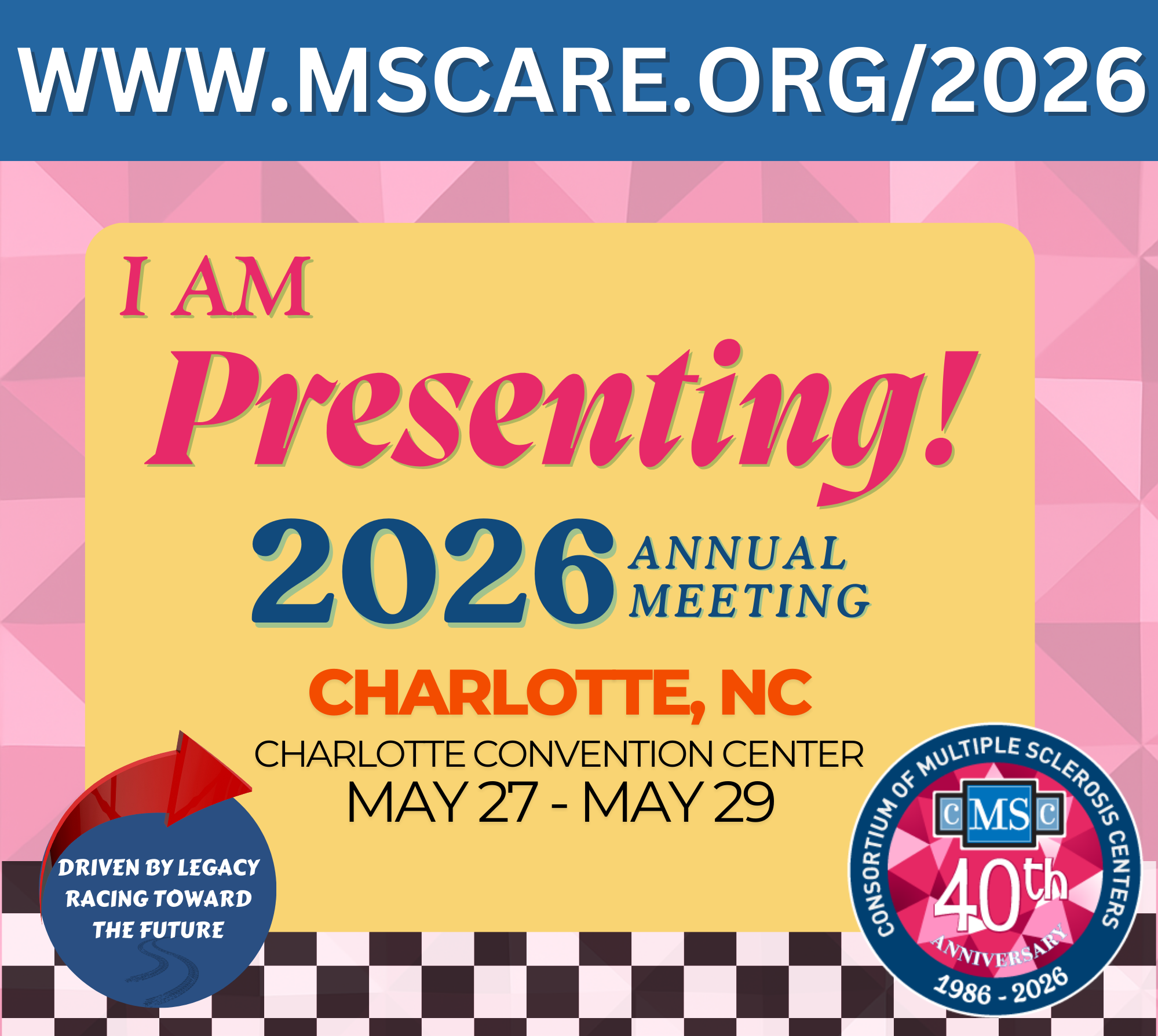
- PC: Right-click on the image below and click “Save image as…” to download the graphic.
- Mobile: Tap and hold the image until a menu appears. In the menu, select “Add to Photos“, “Save Image“, or “Download Image” to download the graphic.
Use this image on any social media platform or in your email signature.
LIFT AND LAUNCH YOUR MESSAGE!
Copy and paste a sample post below or get creative and write your own message about the 2025 CMSC Annual Meeting! Don’t forget to use the official hashtag (#CMSC26) so we can all easily follow the buzz and see what’s happening at the event!
- Excited to be a speaker at the #CMSC26 Annual Meeting! I’ll be discussing [TOPIC]. Join me and other clinicians, scientists, and students to connect and discuss the latest in MS research and care! www.mscare.org/2026
- I’m honored to be speaking at the #CMSC26 Annual Meeting on May 27 – May 29 in Charlotte, NC. Can’t wait to connect with fellow professionals, exchange ideas, and dive deep into the latest in MS research and care. www.mscare.org/2026
- The countdown is on! Grateful for the opportunity to present alongside such talented experts at the #CMSC26 Annual Meeting! My session on [TOPIC] will dive into [SPECIFIC ANGLE], and I can’t wait for the discussions to come. See you there! www.mscare.org/2026
SAVE YOUR IMAGE
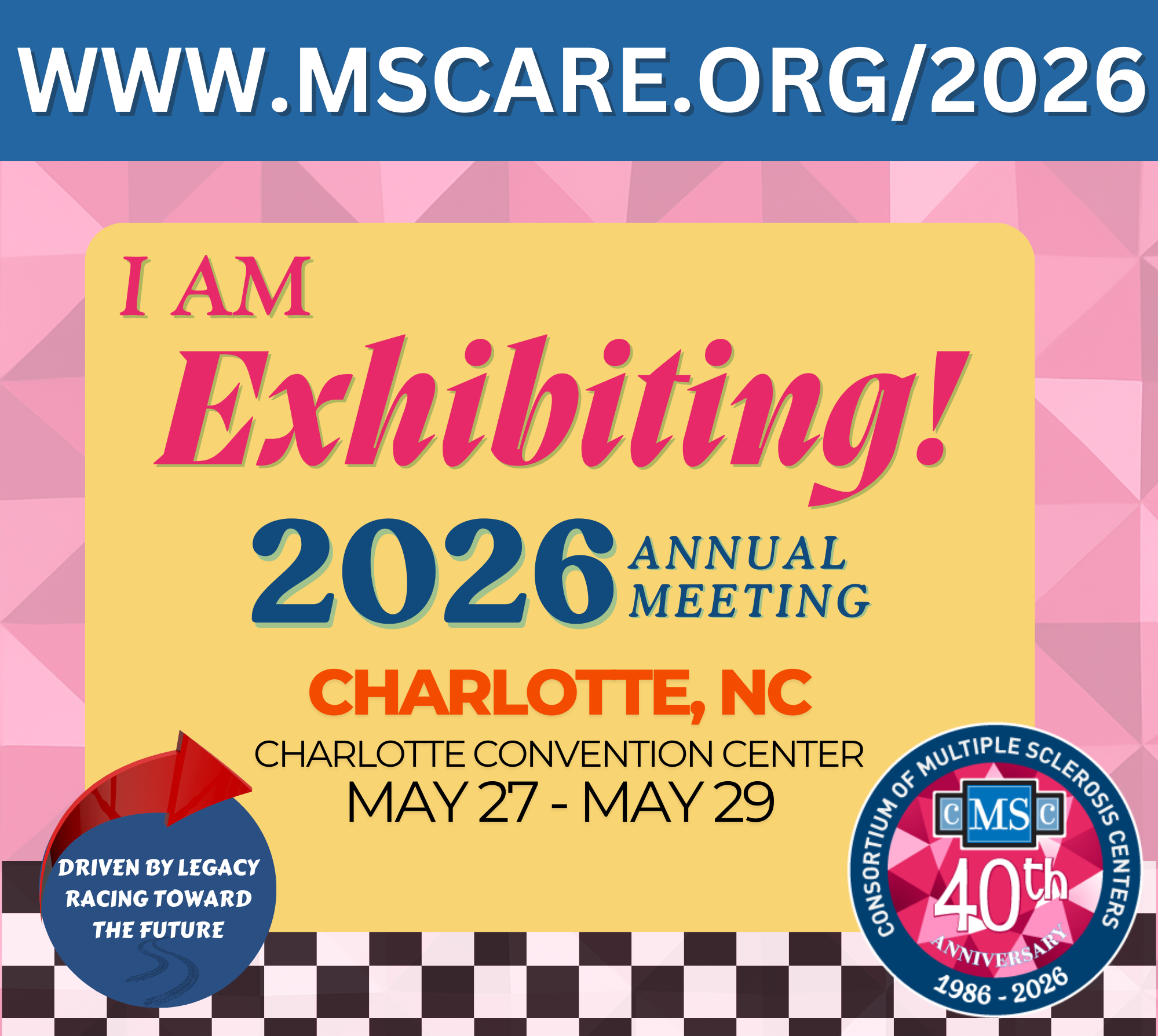
- PC: Right-click on the image below and click “Save image as…” to download the graphic.
- Mobile: Tap and hold the image until a menu appears. In the menu, select “Add to Photos“, “Save Image“, or “Download Image” to download the graphic.
Use this image on any social media platform or in your email signature.
LIFT AND LAUNCH YOUR MESSAGE!
Copy and paste a sample post below or get creative and write your own message about the 2026 CMSC Annual Meeting! Don’t forget to use the official hashtag (#CMSC26) so we can all easily follow the buzz and see what’s happening at the event!
- Proud to be supporting the #CMSC26 Annual Meeting, May 27 – May 29 in Charlotte, NC! We’re excited to be part of the conversation to move MS research and care forward! www.mscare.org/2026
- Join us in supporting the #CMSC26 Annual Meeting, May 27 – May 29 in Charlotte, NC! We can’t wait to showcase our latest innovations in MS and connect with fellow professionals who are as passionate as we are about the MS clinical and research community. www.mscare.org/2026